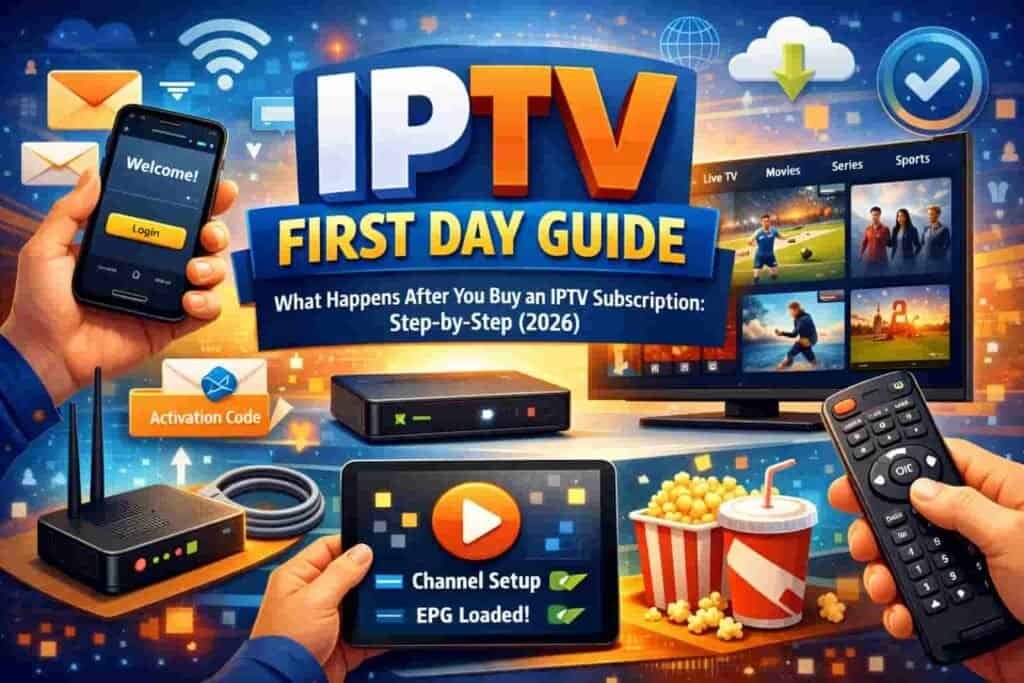
📅 Published: May 2026 | ⏱️ 10 min read | ✍️ RoyalVilla.ie Team
Almost every guide out there tells you how to choose an IPTV subscription — what to look for, what to avoid, how to spot a scam. But there’s a question that stops a lot of people right at the finish line, just as they’re about to buy: what actually happens after I pay?
It‘s a fair question, and the silence around it is exactly why so many people hesitate. You’re about to send money to a service you’ve never used, and you have no idea what the next hour looks like. Do you get an email? An app? A phone call? What if it doesn’t work? What if you’re left staring at a blank screen with no idea what to do?
This guide answers all of that. We’ll walk you through exactly what happens from the moment you decide to buy an IPTV subscription — payment, credentials, setup, your first login, your first evening of watching, and what to do if anything goes wrong. By the end, you’ll know precisely what to expect, and that uncertainty that’s been holding you back will be gone.
Before You Buy: The Decision Moment
Let’s start a step before the purchase, because this is where the nerves usually kick in. You’ve read the reviews. You’ve compared the plans. You know an IPTV subscription costs a fraction of Sky or Virgin Media. But you’re hovering over the button, wondering if it’s too good to be true.
Here’s the honest reassurance: a legitimate provider makes this moment low-risk. With RoyalVilla.ie, you don’t commit to a year up front unless you want to. You can start with a 1-month plan at €14.99, test everything, and only then decide whether to go longer. That means the « decision moment » isn’t a leap of faith — it’s a small, reversible step. If you’re still unsure, you can message us on WhatsApp before you pay and ask anything you like. There’s no pressure and no obligation.
Step 1: You Make Contact (Not a Cold, Faceless Checkout)
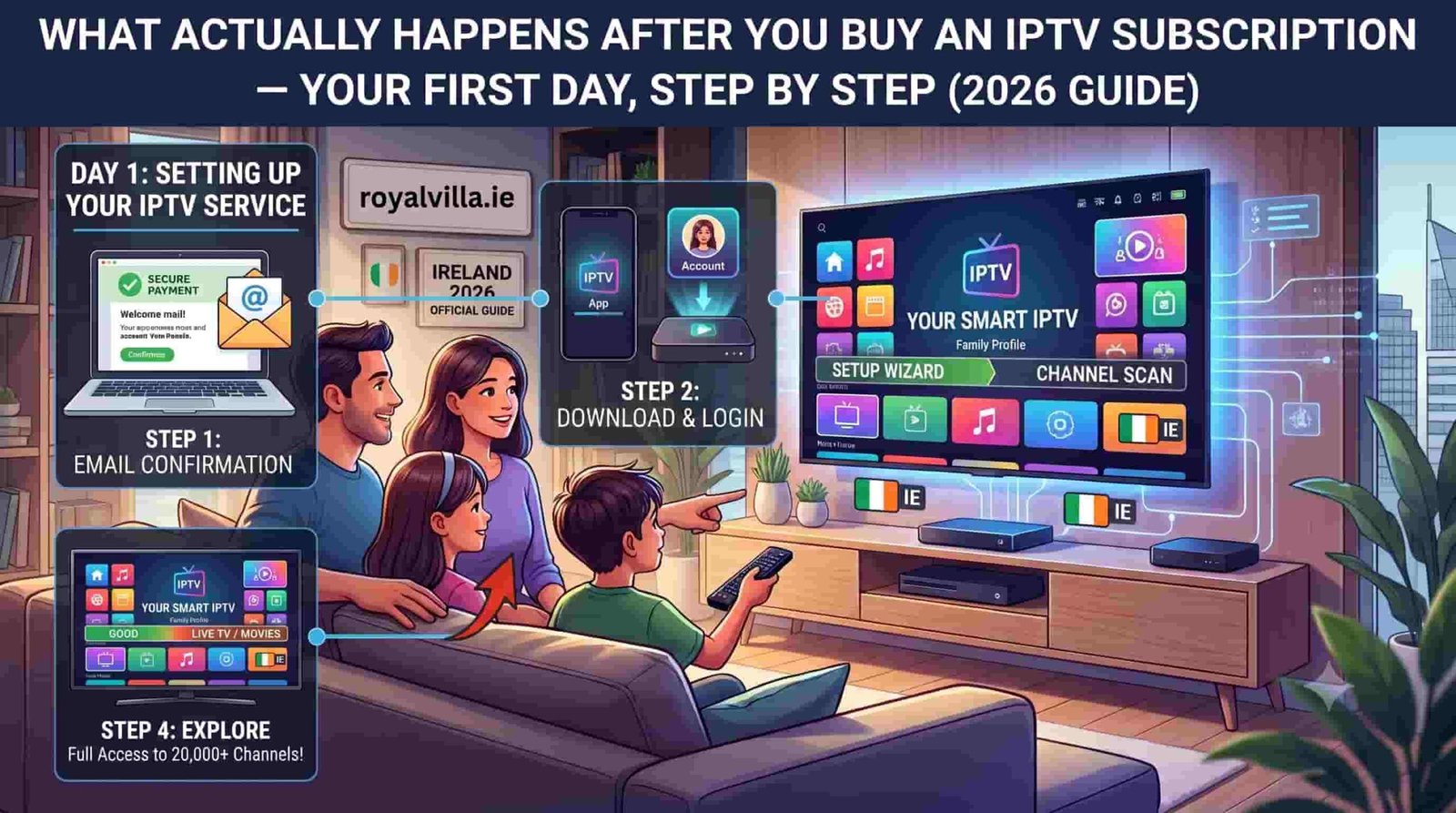
Here’s the first thing that surprises many people about buying an IPTV subscription from RoyalVilla.ie: you don’t push your card into an anonymous checkout and hope for the best. You start a conversation.
You tap the WhatsApp button, and a chat opens with a pre-filled message telling us which plan you’re interested in. A real person on our Irish support team replies — usually within two minutes. This is deliberately different from a cold, automated transaction. You’re talking to a human who can answer questions, confirm which plan suits you, and guide you through the next steps.
This matters because it means if you have any doubt at all — about pricing, about how it works, about whether your device is compatible — you get an answer before any money changes hands. Many customers tell us this is the moment their nerves settle: they realise there’s a real, responsive team behind the service.
Step 2: You Choose How to Pay
Once you’ve confirmed your plan, we send you the payment options. A trustworthy IPTV subscription provider offers normal, traceable payment methods — and we accept Revolut, Visa, Mastercard, PayPal, Wise, and cryptocurrency.
You choose whichever suits you. Revolut and card payments are instant and offer buyer protection. PayPal adds another layer of security. Everything is straightforward, and we never store your card details.
This is also a good moment to note a reassuring sign of legitimacy: because we offer multiple mainstream payment methods rather than demanding crypto only, you have the protection and traceability that comes with established payment platforms. You’re not being pushed toward untraceable payments — a red flag we’ve warned about in our guide to spotting trustworthy providers.
Step 3: Your Credentials Arrive (Usually Within Minutes)
This is the moment the IPTV subscription becomes real. Once your payment is confirmed, we send your login credentials directly through WhatsApp — usually within two to five minutes, occasionally up to 30 minutes during exceptionally busy periods.
What you receive is a set of Xtream Codes: a username, a password, and a server URL (sometimes provided as an M3U link instead). These three pieces of information are the key to your entire service. Save them somewhere safe — a screenshot in a dedicated folder works well.
Don’t worry if these terms sound technical. You don’t need to understand what Xtream Codes are or how they work. You simply copy them into an app in the next step, exactly as we’ll explain. Think of them like a Wi-Fi name and password — you don’t need to know the engineering behind them to type them in and connect.
Step 4: You Install the App
Now you set up the device you want to watch on. For most Irish households, this is a Firestick or a Smart TV, but the process is similar across all devices.
On a Smart TV (Samsung, LG, Sony): open your TV’s app store, search for IPTV Smarters Pro, and install it. On an Amazon Firestick: we send you simple step-by-step instructions to install the app, which takes about two minutes. On a phone or tablet: download IPTV Smarters Pro from the App Store or Google Play. On a computer: you can use VLC Media Player or the IPTV Smarters desktop app.
The app itself is free. You’re not paying for the app — your IPTV subscription is what unlocks the content, and the app is just the window you watch it through. If you get stuck at any point, this is exactly the kind of thing our support team handles dozens of times a day. Message us and we’ll walk you through your specific device.
Step 5: You Log In for the First Time
This is the satisfying part. Open the app you just installed. It will ask you to log in — choose the option labelled « Xtream Codes API » or « Login with Xtream Codes. »
Enter the three pieces of information we sent you: your username, your password, and the server URL. Give your connection a name if it asks (anything you like — « Home TV » works fine). Then tap Add or Connect.
Within a few seconds, your IPTV subscription springs to life. The app loads your full channel list — organised into categories like Irish channels, UK channels, sport, movies, entertainment, kids, and international. Your electronic programme guide populates with what’s on now and coming up. The on-demand library fills with thousands of films and series.
That blank-screen fear you might have had? It’s replaced by more channels than you’ve ever had access to. This is usually the moment new customers exhale and think, oh — it just works.
Step 6: You Set Up Your Favourites
Before you dive in, take two minutes to do the one thing that makes an IPTV subscription feel effortless day to day: set up your favourites.
In IPTV Smarters Pro, you can mark channels as favourites so they appear in a dedicated list. Add the channels your household actually watches — RTÉ One, RTÉ2, Virgin Media, BBC, ITV, your sport channels, the kids’ channels. Now, instead of scrolling through thousands of options every evening, you (and everyone in the house) can jump straight to a short list of the channels you love.
This is especially valuable if you’re setting the service up for family members who aren’t tech-minded. A curated favourites list turns 20,000 channels into the ten or fifteen that matter to them, making the whole experience feel as simple as traditional telly.
Step 7: Your First Evening of Watching
Now the IPTV subscription stops being a setup task and becomes what you actually bought it for: your television.
Settle in and browse. Watch the Six One News on RTÉ. Flick to a match on the sport channels. Explore the on-demand library and start a film. Let the kids find their cartoons. Test how it feels during a normal evening of viewing.
For your very first evening, we recommend watching something during peak time — a weekend evening or a live event — because that’s the real test of any service. With a quality provider’s anti-freeze technology and proper server infrastructure, the stream should stay smooth in HD or 4K even when demand is high. This first prime-time session is your confirmation that everything is working as it should.
What If Something Goes Wrong?
Let’s address the fear head-on, because it’s the biggest thing holding people back. What happens if a channel won’t load, or the app misbehaves, or you’re stuck during setup?
The answer is simple: you message us on WhatsApp, and a real person helps you fix it — usually within minutes. This is the single biggest advantage of choosing an IPTV subscription from a provider with genuine human support rather than a faceless service with no way to reach anyone.
Most first-day issues are tiny and quick to resolve. A channel not loading is often fixed with a simple app restart. A login problem is usually a typo in the credentials. Buffering is frequently a Wi-Fi signal issue solved by moving closer to the router or using an ethernet cable — which we cover in detail in our buffering fixes guide. Whatever it is, you’re not alone with it. Our team is available 24/7, so it doesn’t matter if it’s a Sunday afternoon or the middle of the night.
Your First Week: Settling In
Over your first few days with your IPTV subscription, you’ll naturally get comfortable. The app interface, which felt unfamiliar at first, becomes second nature within a day or two. You’ll learn where your favourite content lives. You’ll set up favourites on your other devices — the bedroom TV, your phone for watching on the go.
By the end of the first week, most customers have completely forgotten they ever worried about the switch. The service becomes just… your telly. Except now it’s a telly with thousands more channels, every sport included, a vast film library, and a bill that’s a fraction of what you used to pay.
What Happens When Your Subscription Is Ending
Because we believe in full transparency, here’s what happens at the other end of the journey. Your IPTV subscription runs for exactly the period you paid for — 1, 3, 6, or 12 months. There’s no automatic renewal and no surprise charge on your card.
As your subscription nears its end, we’ll send you a friendly reminder on WhatsApp. If you want to continue, renewing is as simple as sending a message and choosing your next plan — many customers upgrade to the 12-month plan at €49.99 for the best value once they know they love the service. If you don’t want to continue, you do nothing, and the service simply ends. No cancellation calls, no retention hassle, no fees.
The Bottom Line: There’s Nothing to Fear
The reason we wrote this guide is simple. The uncertainty about « what happens after I pay » stops a lot of people from making a switch that would save them hundreds of euros a year. Once you see the actual process laid out — a friendly conversation, a secure payment, credentials in minutes, a five-minute setup, and real support if you need it — the mystery disappears.
Buying an IPTV subscription from a transparent, well-run provider isn’t a leap into the unknown. It’s a short, guided, low-risk process with a real team beside you at every step.
Ready to Experience It Yourself?
Now that you know exactly what happens, there’s nothing left to wonder about. Start with a 1-month plan to test everything, or go straight for the best value with the annual plan.
👉 View IPTV Subscription Plans — from €14.99
👉 Message Support on WhatsApp — we’ll guide you through every step
👉 Contact Our Team — available 24/7
Frequently Asked Questions
How long after paying will I get my IPTV subscription login?
Usually within two to five minutes. During exceptionally busy periods it can take up to 30 minutes, but it’s almost always near-instant.
Do I need to be technical to set up an IPTV subscription?
Not at all. If you can type a Wi-Fi password, you can set up IPTV. And our support team walks you through it on WhatsApp if you’d like help.
What if it doesn’t work on my device?
Message us and we’ll troubleshoot it with you in real time. Most issues are resolved within minutes, and our service works on virtually every device.
Can I get help outside business hours?
Yes. Our support is available 24/7, every day of the year — including evenings, weekends, and bank holidays.
Will I be charged automatically when my subscription ends?
No. There’s no auto-renewal. Your subscription simply ends when the period you paid for is up, unless you choose to renew.
Explore more guides on our Blog, including how to choose the best IPTV provider and how to set up on any device. Read our Terms & Conditions for full transparency.
Published by the RoyalVilla.ie team — making the switch simple for Irish households since 2021.